Your baby's first year, month by month.
The first year goes by in a blur and leaves about four thousand photos behind. A first-year slideshow picks the best of them and puts them in order.
Humble Video sorts by the date each photo was taken, so month one comes first without any dragging.

Free to try · Plus is $8.99, once
How to make it in Humble Video
- 1
Pick your photos
Tap New slideshow and choose photos (and video clips, with Plus) in the iPhone photo picker. Humble Video only sees the ones you pick.
- 2
Put them in order
Pick a few photos from each month, then sort by date taken. A title card can say "Our first year".
- 3
Choose a song and export
A song is already chosen; change it if you like. Tap Export, and the video is saved to your Photos, ready to share or play on a TV.
Settings that suit it
Suggestions, not rules. Every setting can be changed any time.
- Shape
- Landscape for the party, vertical for the grandparents' phones
- Each photo
- 3 to 4 seconds
- Transition
- Crossfade
- Music
- Bubbles, then Yippee!
A few tips
- If you took a monthly milestone photo, use them as the spine of the video.
- Add the first giggle and first steps as short clips with their sound on (Plus).
- Every slideshow is saved, so keep adding to it, and next year make year two.
Questions
Are my baby photos uploaded anywhere?
No. Everything happens on your phone. There is no account and nothing is sent to us or anyone else.
Can I include videos?
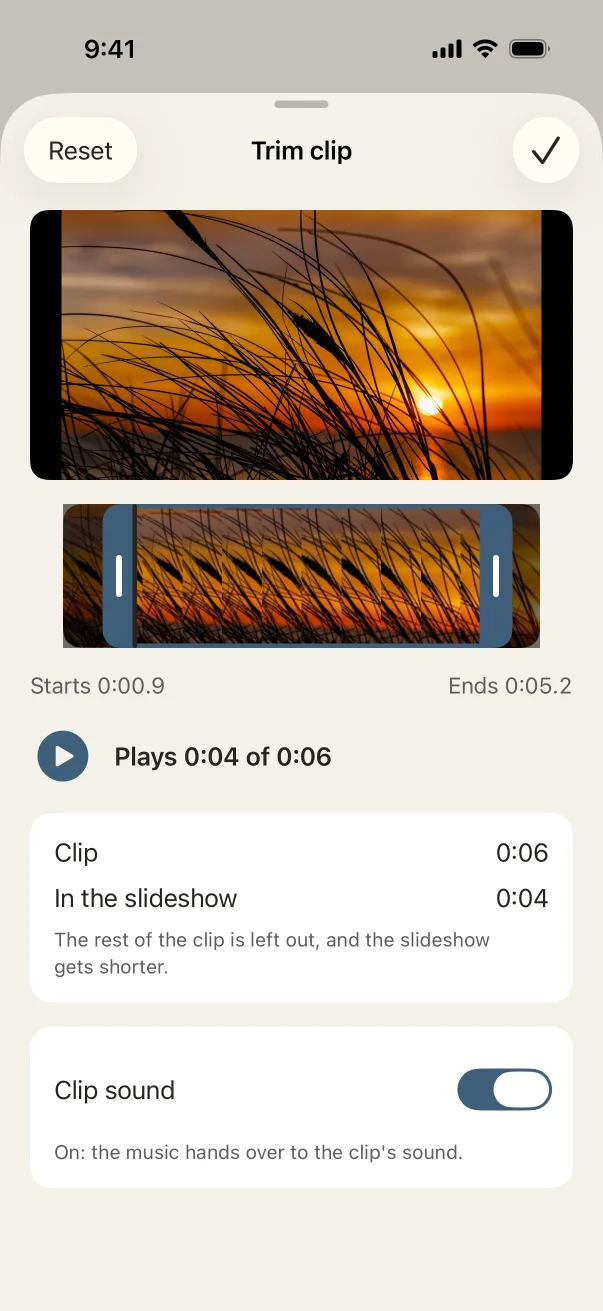
Yes, with Plus. Trim them to the moment, and keep their sound or mute them.
Is Humble Video free?
Free to try: up to 10 photos in a slideshow, every look and all the music, in 1080p with a small Humble Video mark. Humble Video Plus is $8.99, once, for video clips, unlimited photos and slideshows, 4K and no mark. No subscription. See pricing.
Are my photos uploaded?
No. The video is made on your iPhone or iPad. No account, no tracking, nothing uploaded. Privacy policy.

Make yours in a few minutes.
On iPhone and iPad. Free to try.